
Okay, this here is for you game freaks (or 'we' game freaks; I'm one of you guys *chuckles*).
Here's a chance to take gaming to the next level on your Android device using PS2 controller, I mean we all know how annoying the thumbs thingy can be when playing games on Android phones/tablets et al.
I'll be showing you how to use the famous PlayStation2 controller (often called 'pad' over here) and an OTG cable to play games on your Android Device.
ITEMS REQUIRED:
- Your Android Device
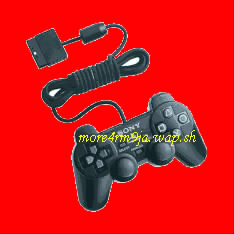
- PS2 Controller
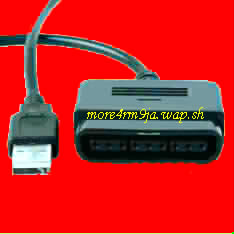
- A PS2 to USB adapter
- An OTG cable
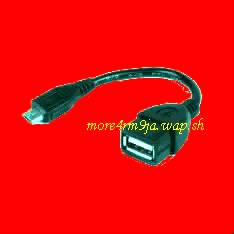
Connect the OTG Cable to your Android device.
Then connect the other end of the OTG cable to the "PS2 to USB adapter"
Then connect your PS2 controller ("pad") to the "PS2 to USB adapter"
If you followed the above process correctly the PS2 controller should light up...and that's it. Start enjoying your games in a more convinient way.


0 comments:
Post a Comment